 QuickIMG
Image Crop
Crop images with free selection or preset aspect ratios. Drag to move, resize from the corner.
📁
Drop an image here, click to upload, or paste
Supports JPG, PNG, WebP
How to Crop an Image Online
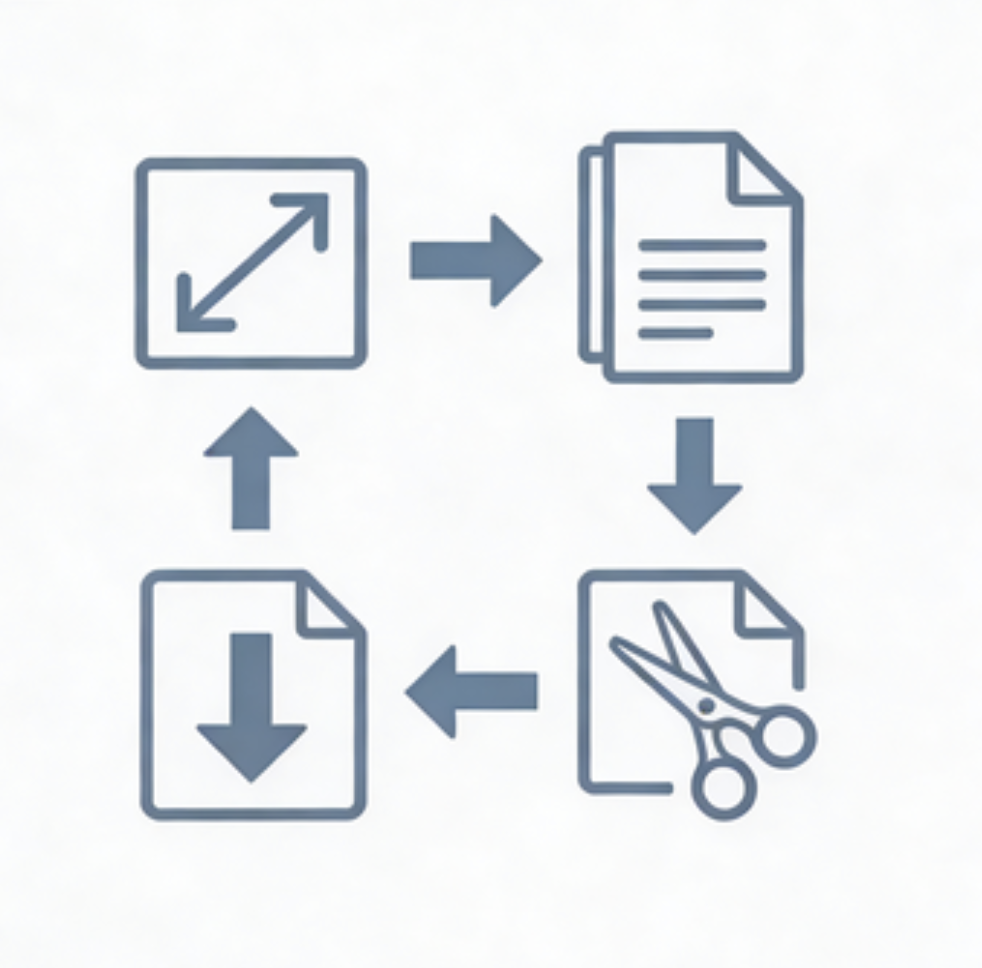
- Upload your image by dragging, clicking, or pasting.
- Select an aspect ratio preset or use free selection.
- Drag the crop area to position it. Resize from the bottom-right corner.
- Click "Crop & Download" to save your cropped image.