 QuickIMG
Image Resize
Resize images to exact pixel dimensions. Use presets for social media, e-commerce, or ID photos.
📁
Drop an image here, click to upload, or paste
Supports JPG, PNG, WebP
How to Resize an Image Online
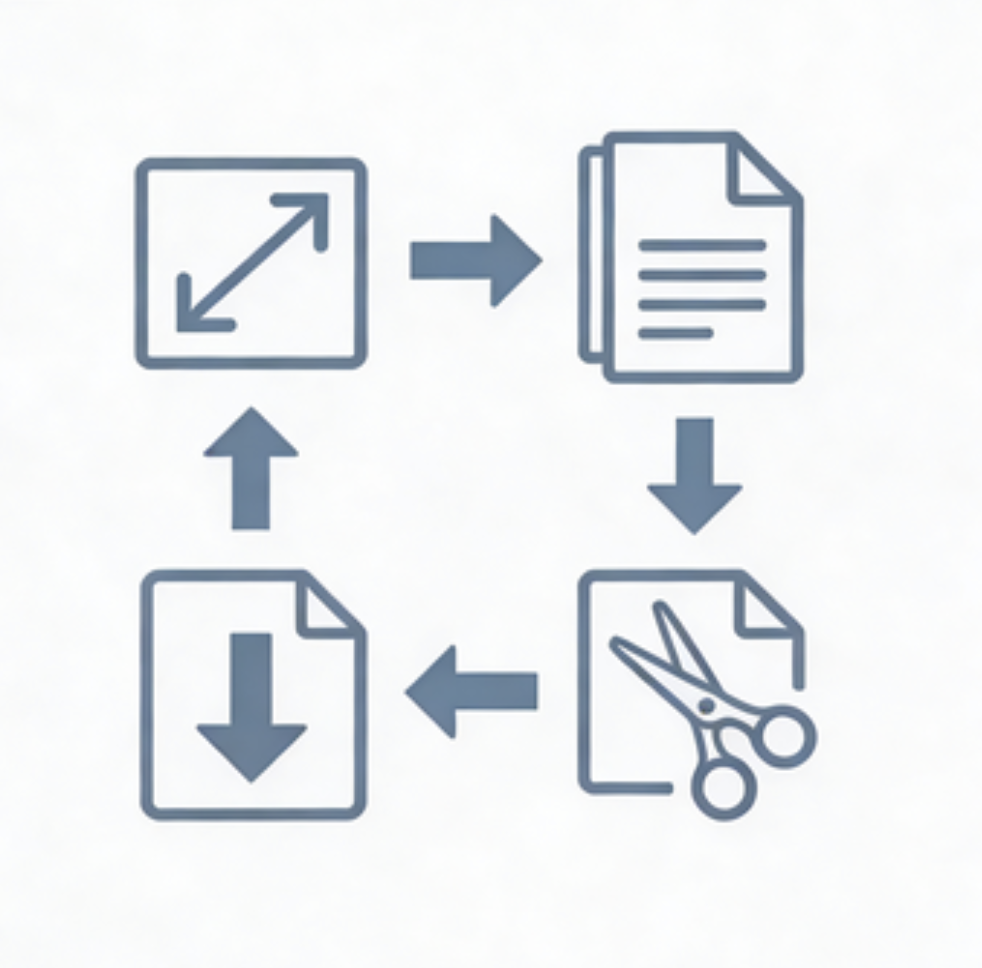
- Upload your image by dragging it into the box, clicking to browse, or pasting from clipboard.
- Enter your desired width and height in pixels, or select a preset for social media, e-commerce, or ID photos.
- Toggle the aspect ratio lock to maintain proportions or set custom dimensions.
- Click "Preview" to see the result, then "Resize & Download" to save.